Folders
›- Work24
- Clients12
- Campaigns8
- Communities16
- Personal6
Mobile power for bigger plans
Organize chats, schedule posts, and keep every campaign moving—from the device already in your hand.
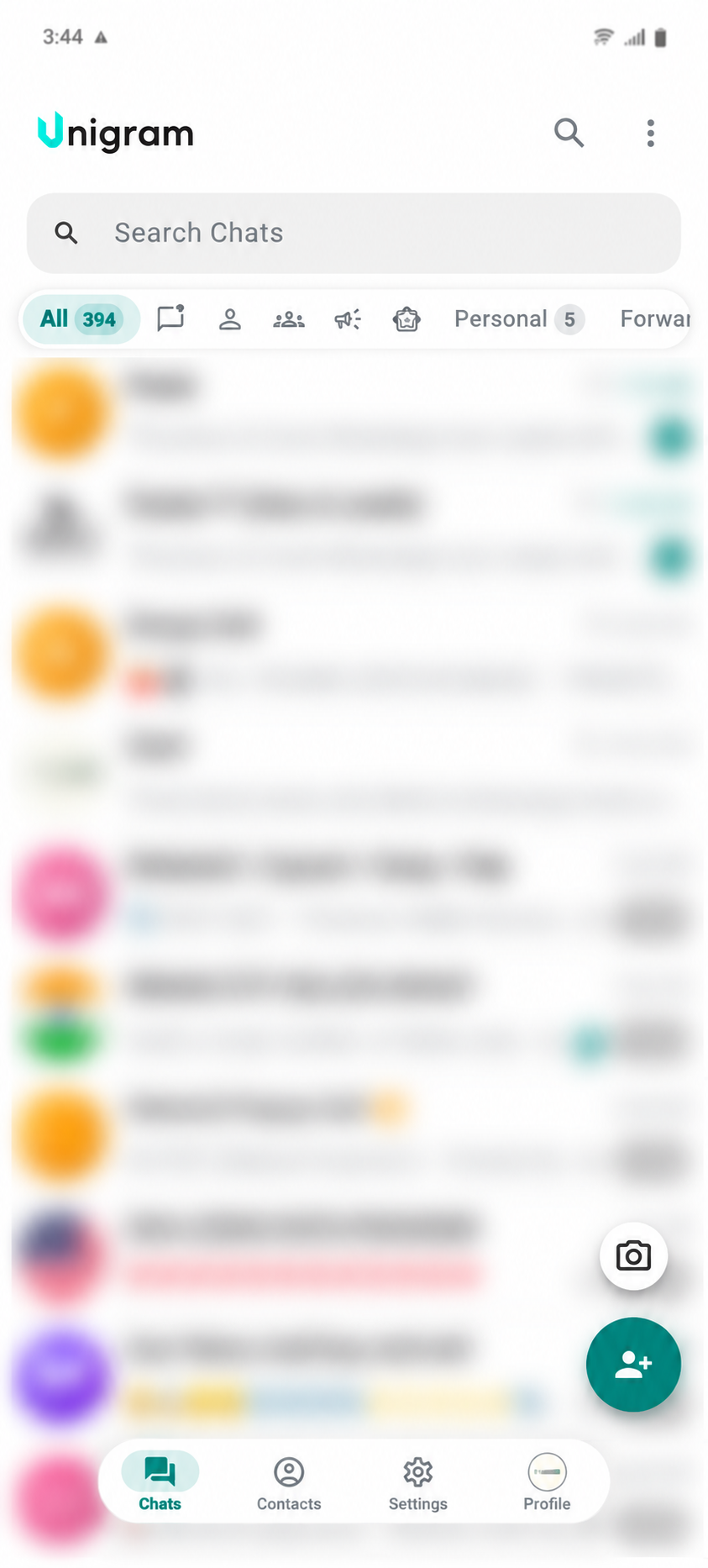
Real app preview · private content blurred
Built for momentum
Unigram Mobile keeps the tools that matter close, while making every interaction feel natural on a smaller screen.
Folders and filters keep work, clients, communities, and personal chats organized without slowing you down.
Prepare posts, choose the moment, and review what is queued before anything goes live.
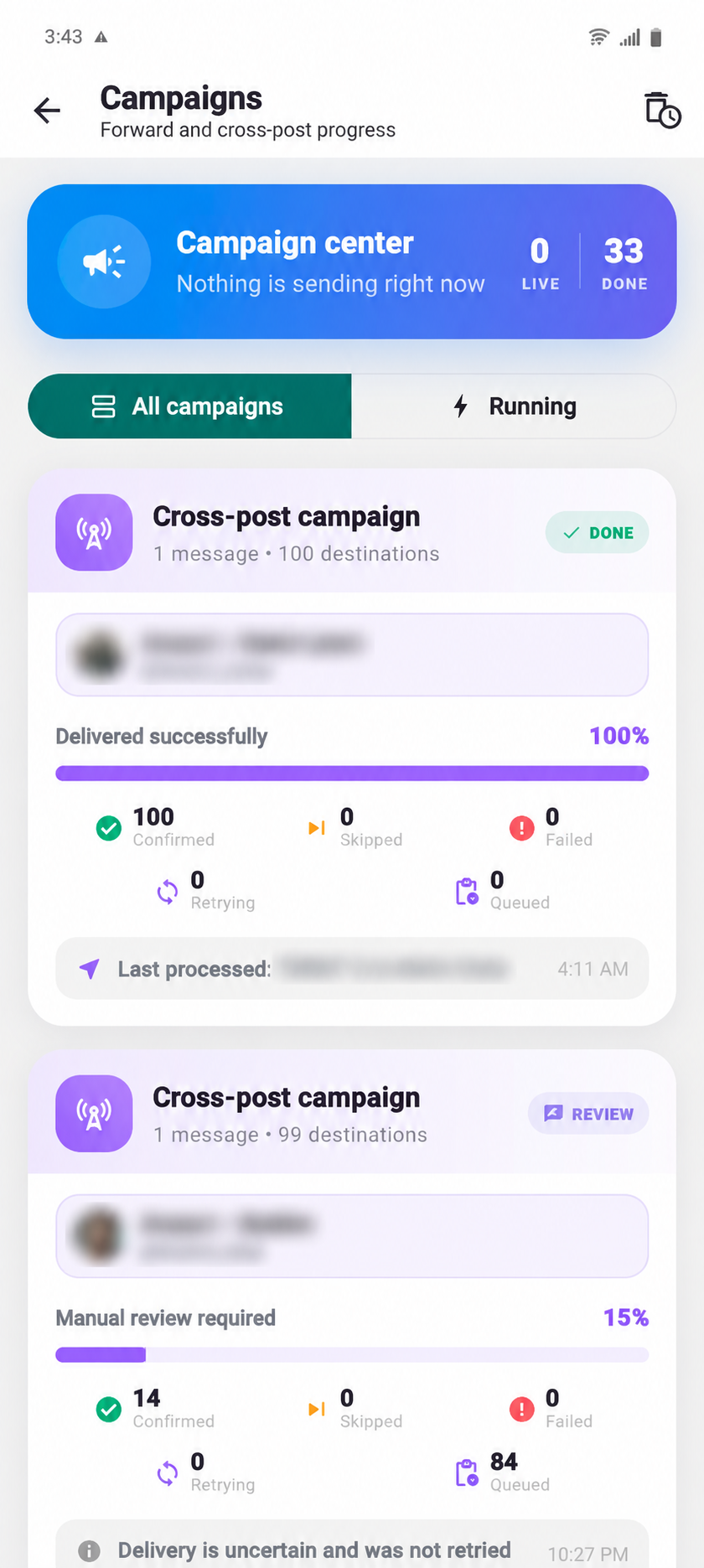
Track what was sent, skipped, failed, or is still waiting. Pause, resume, and retry without losing the full picture.
Save messages, links, media, and working notes where you can reach them from any Unigram device.
Explore the mobile workflowInside the app
Move from everyday chats to campaign delivery, account control, security, Premium, and open-source notices without leaving the mobile experience.
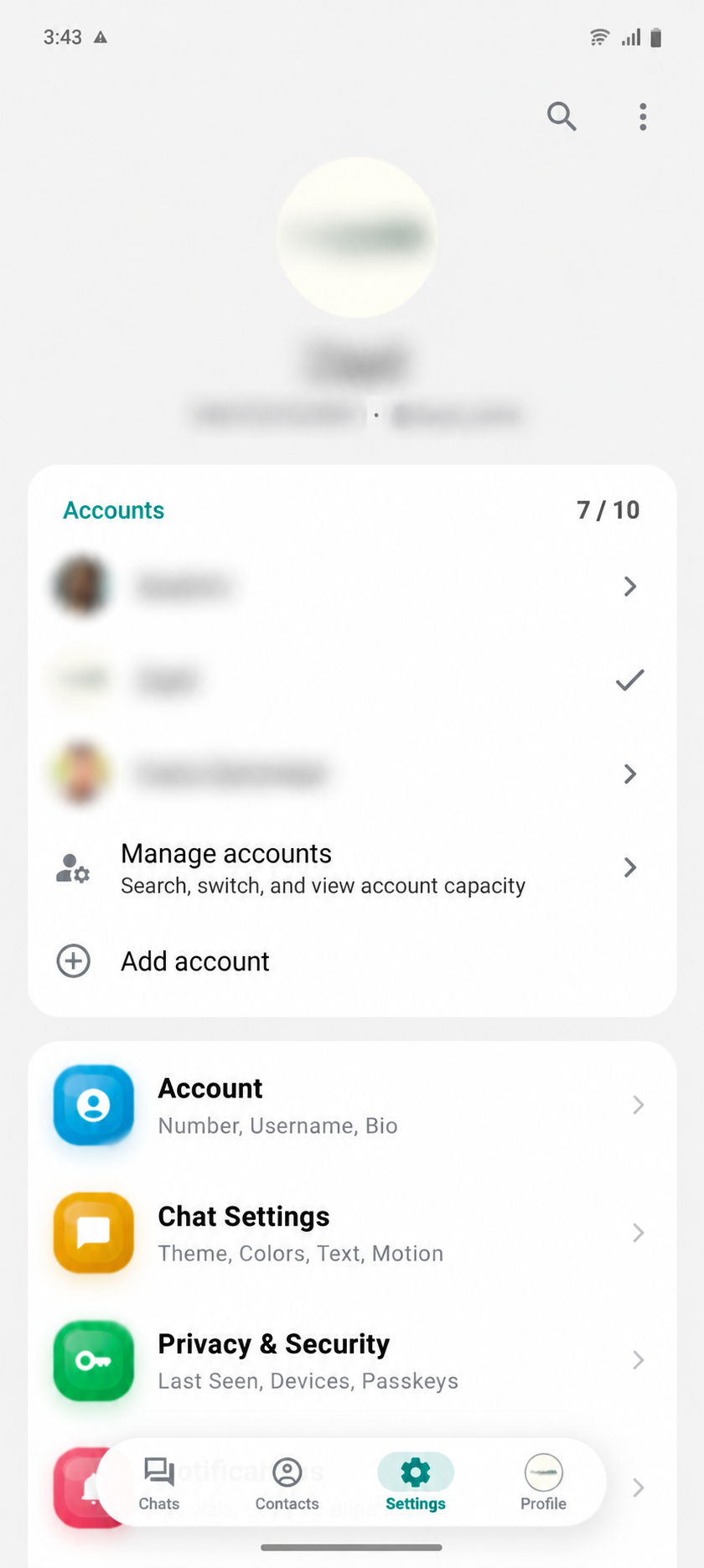
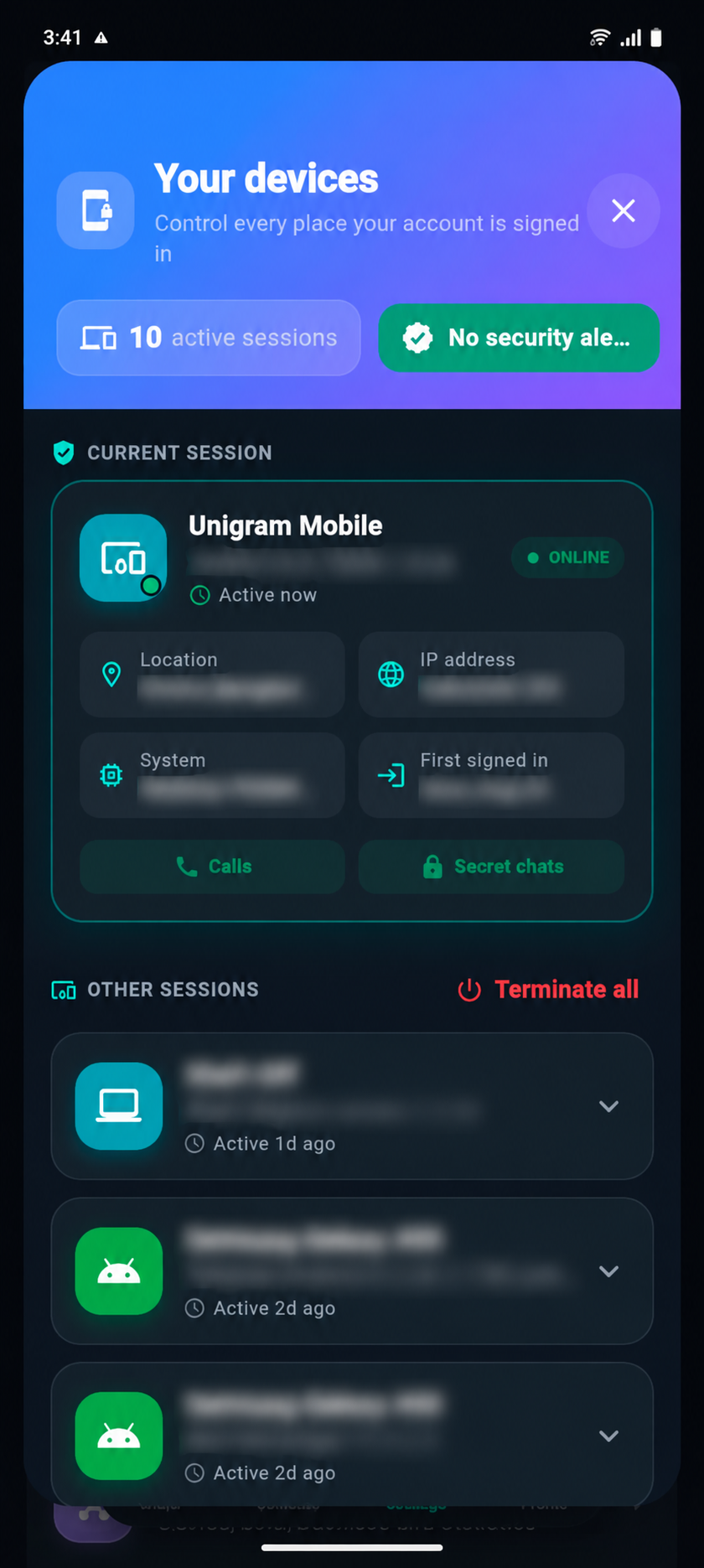
Personal chat, account, campaign, and device details are blurred for privacy.
Review progress, confirmed deliveries, queued destinations, and items that need attention.
Manage several accounts from one focused settings view.
See active devices and take action from a purpose-built dark security view.
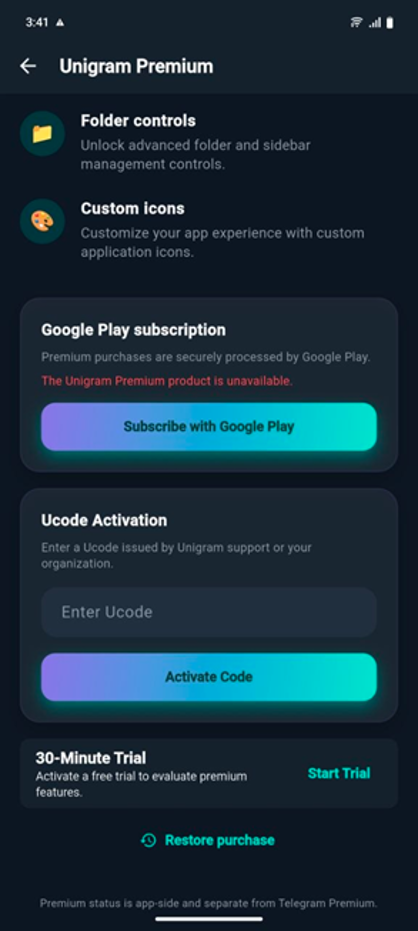
Subscribe, activate a Ucode, start a trial, or restore a purchase from mobile.
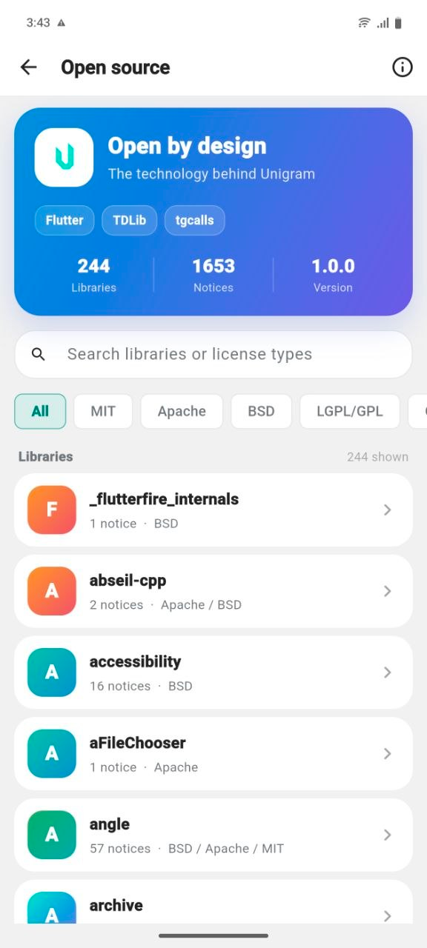
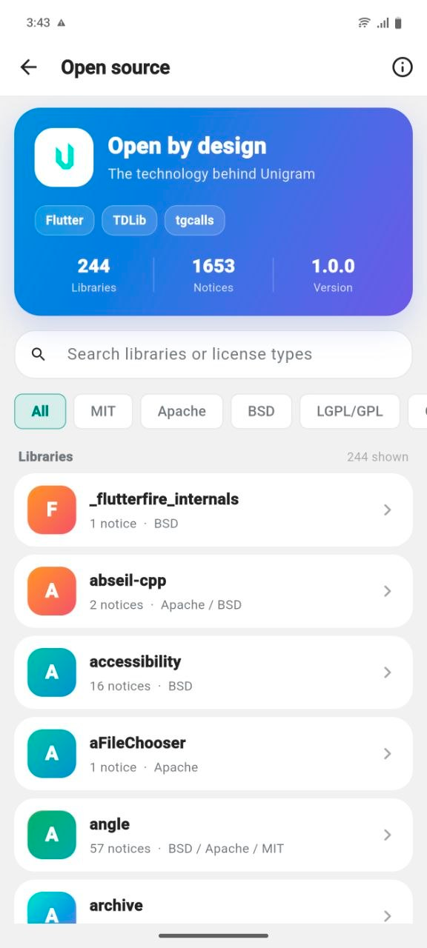
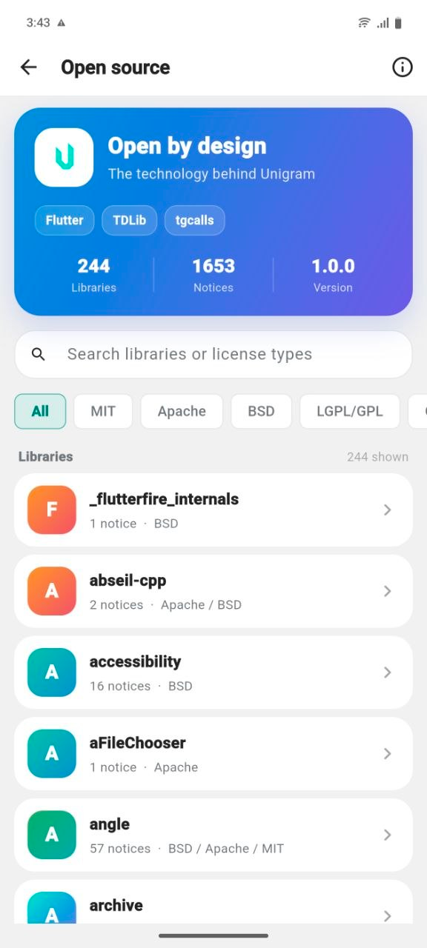
Inspect the technologies behind Unigram, search dependency notices, and understand every license from one transparent in-app directory.
Made for real workflows
Whether you manage client updates, a community, or your own everyday conversations, Unigram Mobile keeps the next action clear.
See Premium optionsSchedule posts, store reusable content, and stay ready to publish wherever the idea arrives.
Keep large recipient groups organized and review campaign progress without returning to your PC.
Separate clients, projects, and internal conversations with folders that match how your work actually moves.
One Unigram rhythm
Bring the same organized workflow with you. One Premium Ucode includes one Windows PC activation and one mobile activation.
Good to know
Explore real product screens now. Official release destinations will be added when the mobile build is ready to download.
The mobile release is being prepared. The final store or direct-download links will appear on this page when they are available.
Yes. Each standard Ucode supports one Windows PC activation and one mobile activation, subject to its current status and expiry.
No. Windows and mobile use separate activation slots, so activating the mobile app does not consume the Windows slot.
This page is prepared for Android and iOS distribution. Final availability will be confirmed alongside the official release links.
Mobile release
See the product experience today. Official Android or iOS release destinations will appear here when available.